


Arbor
 Arbor
Arbor
We use Arbor for all communication with home. If you need any help or support accessing Arbor please contact us.
You may find the following guides useful:
A guide for parents can be found here.
Register/Log In
Parents/Carers should receive an email from Arbor inviting you to register for the on the platform. If you are signing in for the first time and are unsure of your password, click on ‘forgotten password’ and type in the email address provided to school. This will send you a link to reset your password. If you are unsure which email address we hold, please contact us and we can advise you.
Further support on logging in can be found here.
Arbor App
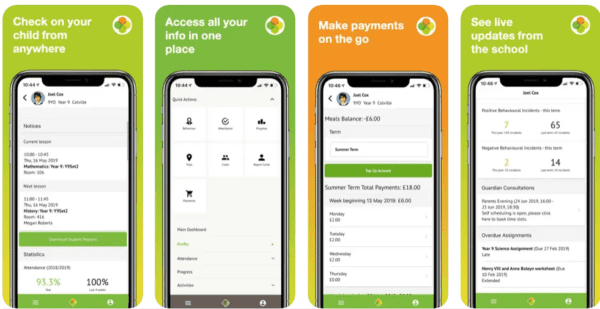
Arbor can be access via the webpage or by downloading the Arbor app from the Google Play Store or the Apple App Store.
Multiple Children at Schools with Arbor
If you have more than one child in an education setting that uses Arbor, click here for support with any issues.
Notifications in the Arbor App
If you wish to receive notifications on the app, first ensure that notifications for Arbor are turned on in your phone’s settings. If you do not receive notifications, please try one of the following:
- Go into the notification setting on your phone, select Arbor and make sure all options are turned ‘on’.
- Delete the Arbor app and reinstall.
If you are still not receiving notifications, please click here for a useful online guide of next steps.